NeonPath Generator
A downloadable tool
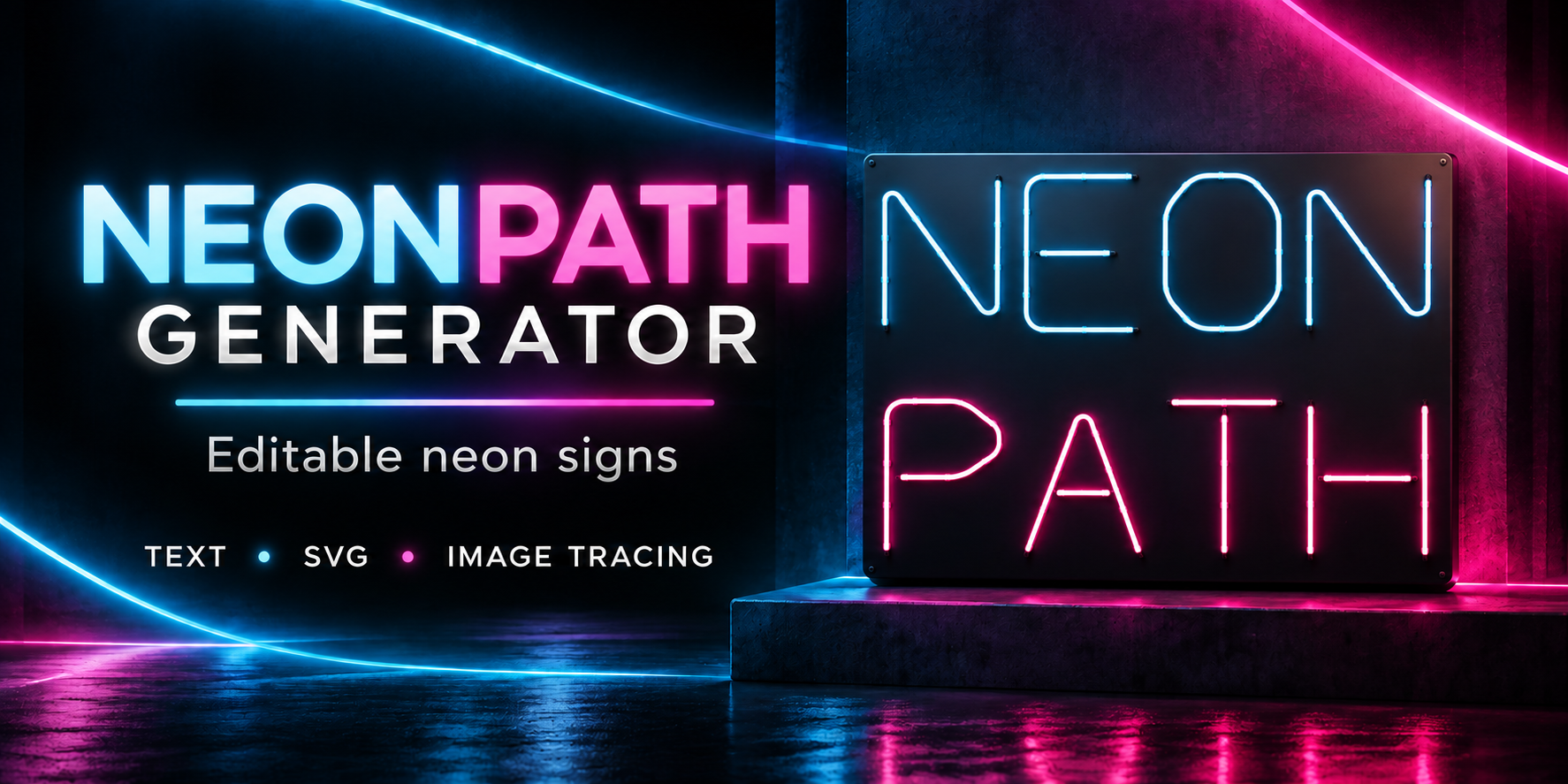
Create editable neon signs in Blender — with your own fonts and artwork.
NeonPath Generator turns text, SVG paths, image silhouettes and curves into customizable neon signs with tubes, holders and backplates. Create lettering for interiors, storefronts, game environments, title graphics and product scenes.
Your fonts. More languages.
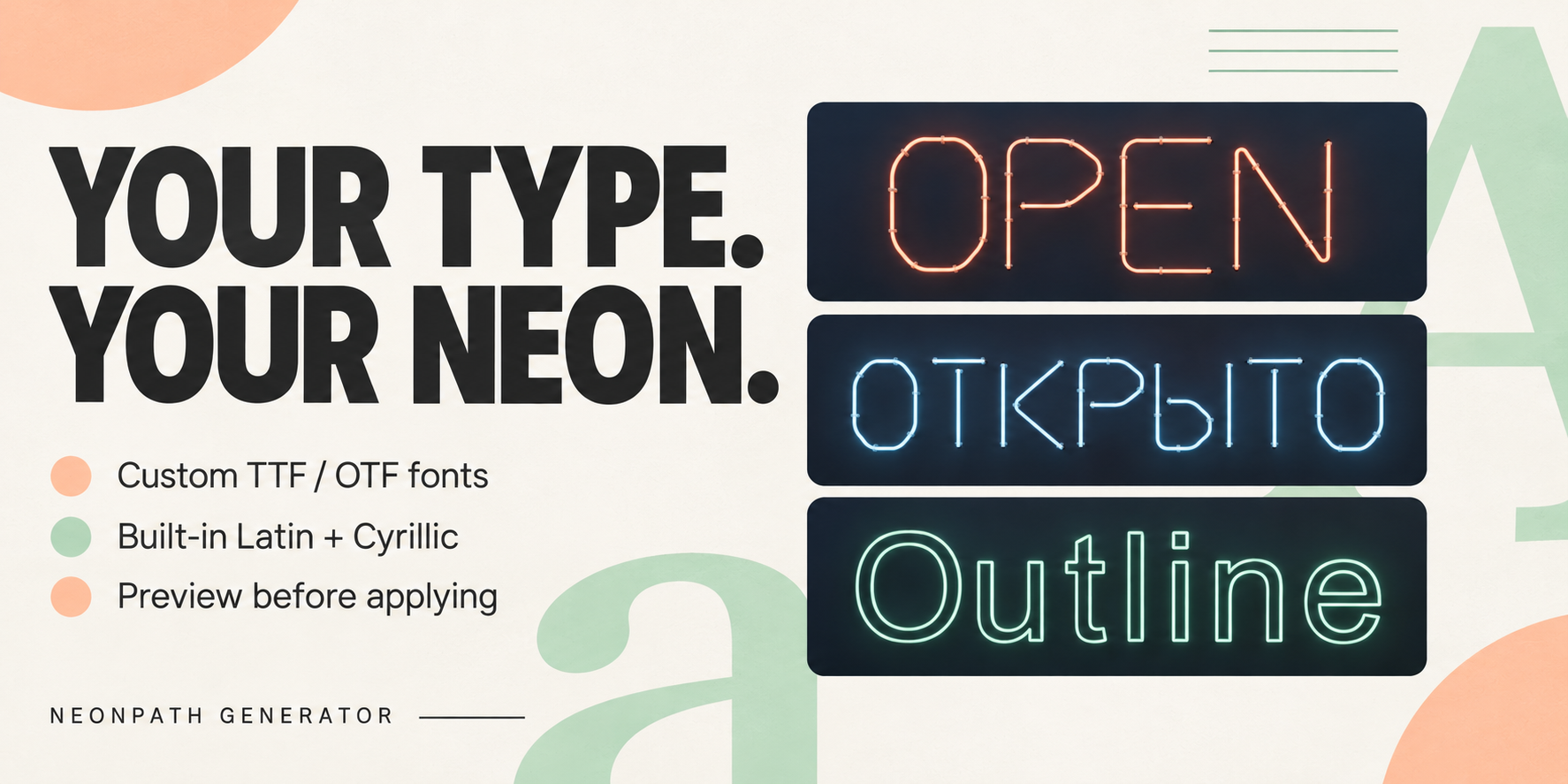
Load your own TTF or OTF fonts, preview them before applying, and save favorites in your scene.
Built-in Tube Neon supports uppercase Latin and Cyrillic, numbers and punctuation. Outline Neon preserves case and supports additional languages through compatible fonts. Character coverage and text shaping depend on the selected font and Blender’s text support.
Four ways to create
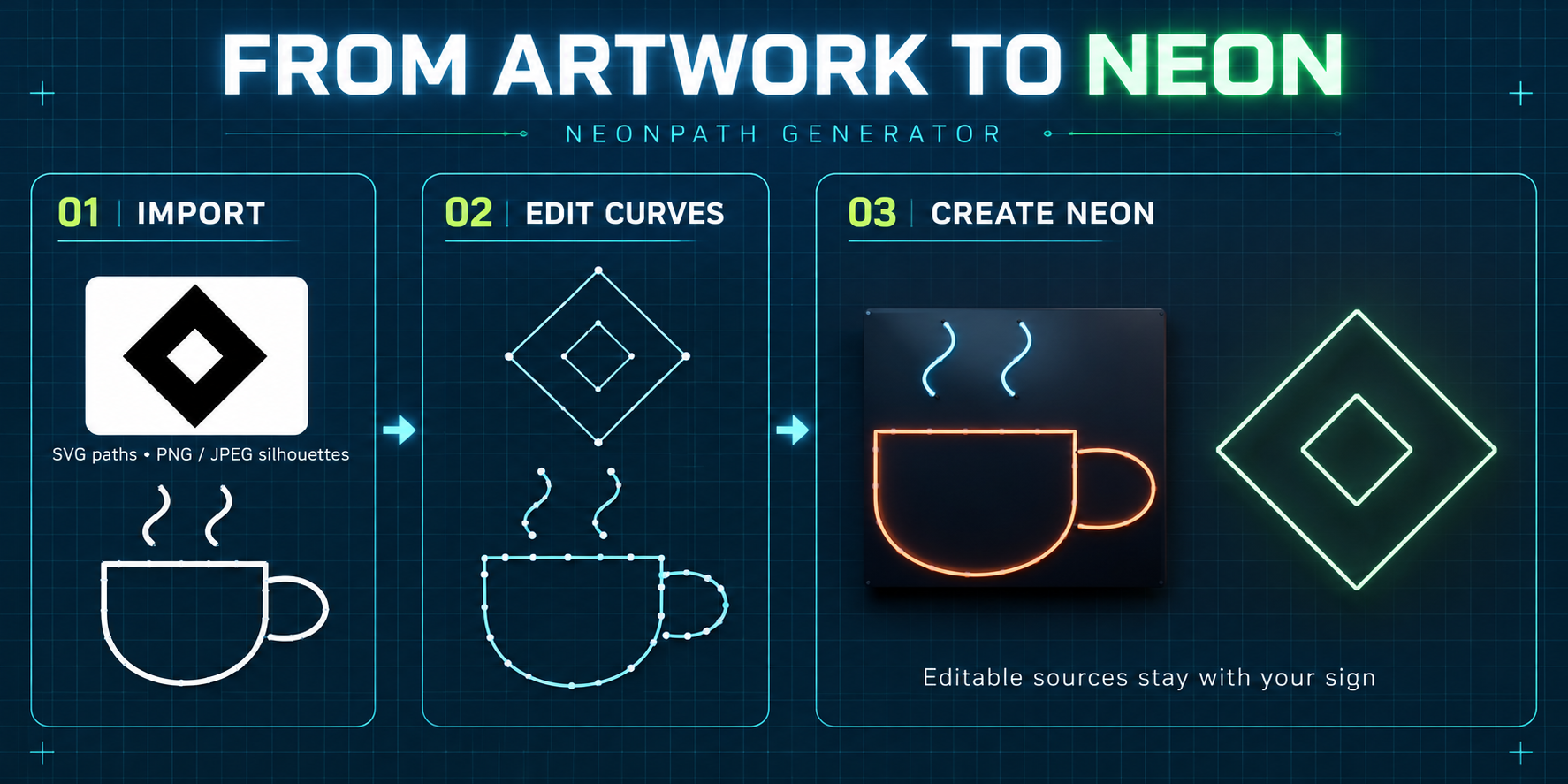
- Text: use built-in tube lettering or outlines from your own fonts.
- SVG: import supported vector paths and basic shapes.
- PNG / JPEG: trace high-contrast silhouette boundaries into editable curves.
- Curves: generate neon from existing planar POLY or BEZIER curves.
Customize the complete sign
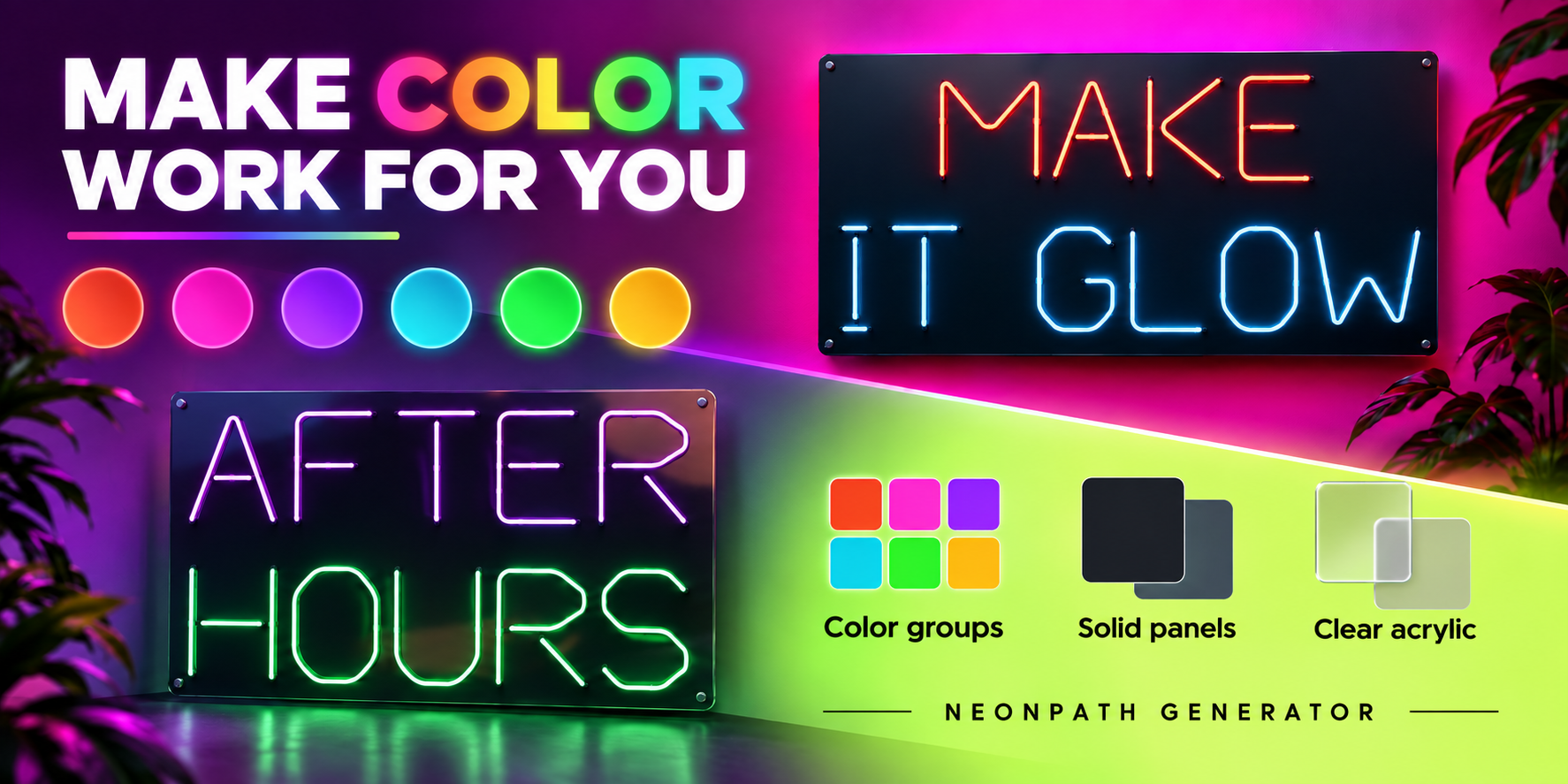
Adjust tube diameter, lettering size, spacing and alignment. Use a single neon color or up to six color groups.
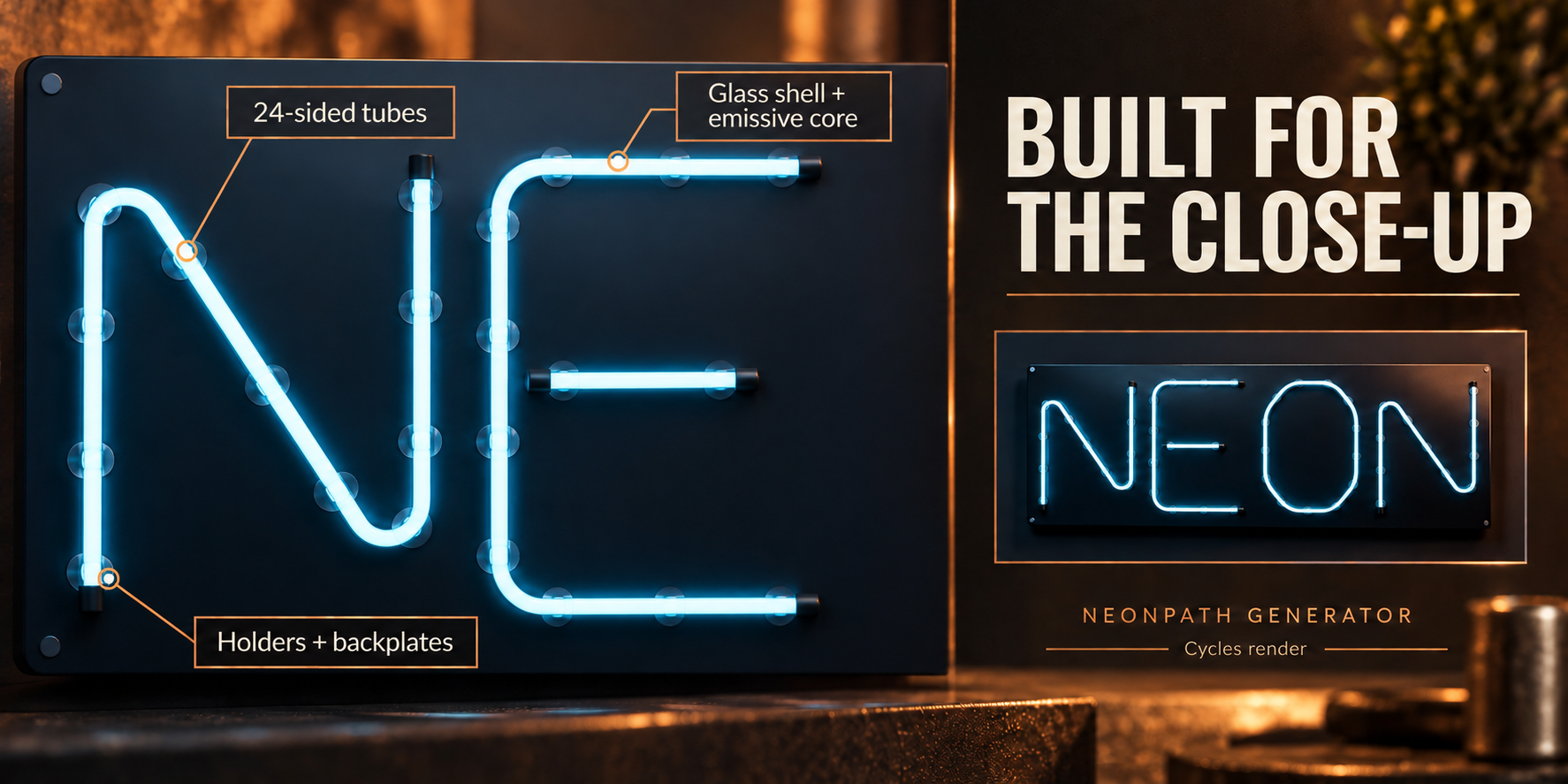
Add solid or clear acrylic backplates, choose rounded rectangular or convex outline shapes, and configure holders, spacing and tube clearance.
New signs use Close-up geometry quality by default, with 24 sides around the tubes. Standard and Draft modes remain available for lighter editing.
Keep your design editable
Update signs after changing their source curves, reuse appearance presets, duplicate designs and place signs against mesh surfaces.
When you need manual mesh editing, bake an ordinary mesh copy while keeping the editable original.
Glass and glow
Choose diffused emissive tubes or glass shells with glowing cores. Cycles uses physical refraction; Eevee uses a transparency and reflection approximation.
Set up compositor glow directly from the add-on to give bright tubes a visible halo.
What’s included
- NeonPath Generator 1.2.0 — installable Blender add-on ZIP.
- Python source code.
- README and GPL-3.0-or-later license.
Fonts and demo scenes are not included.
Requirements
Requires Blender 5.2.2 or later. Tested with Blender 5.2.2 on Windows 10. Other Blender versions and operating systems have not been verified.
The main interface supports English and Russian; some technical messages remain English.
Installation
Download the ZIP without extracting it. In Blender, open Edit → Preferences → Get Extensions, choose Install from Disk from the menu, and select the ZIP. Enable NeonPath Generator, then press N in the 3D Viewport and open the NeonPath tab.
Workflow notes
Image tracing works best with simple, high-contrast artwork. It follows silhouette boundaries rather than stroke centerlines. SVG import supports plain vector geometry.
Custom fonts remain external files and must be accessible when editing their text. Generated signs are visual models, not fabrication specifications.
Purchase
In order to download this tool you must purchase it at or above the minimum price of $5 USD. You will get access to the following files:
Leave a comment
Log in with itch.io to leave a comment.